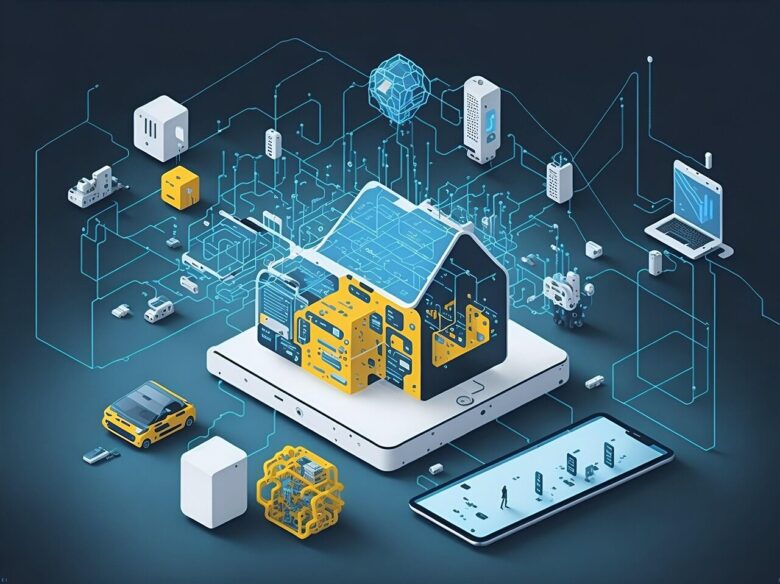
Smart home devices that stop working when the internet goes down can quickly turn a convenient house into a confusing one. A light that worked yesterday may stop responding in the app, a camera may lose remote access, or a voice assistant may suddenly become almost useless. The tricky part is that not every smart …

When smart lights flicker, the problem is usually not the bulb “going bad” right away. In many homes, flickering happens because of an incompatible dimmer, unstable Wi-Fi or hub connection, loose contact in the socket, low dimming settings, overloaded circuits, or a mismatch between the smart bulb and the fixture. The good news is that …
Secure smart home devices by changing default passwords, enabling updates, using a separate Wi‑Fi network, and reviewing app permissions to limit data exposure.
Secure IoT devices by placing them on a guest network, disabling WPS and UPnP, enforcing WPA3 or WPA2-AES, and applying router firmware updates promptly.
Weak passwords, ignored firmware updates, and unsecured default settings let IoT devices become easy entry points, exposing your home network to spying and data theft.
Smart apartment automation starts with compact upgrades: voice-controlled lighting, smart plugs, leak sensors, and schedules that save energy without rewiring or sacrificing space.
Protect your smart camera: change default passwords, enable two-factor authentication, update firmware regularly, and limit camera views away from private spaces.